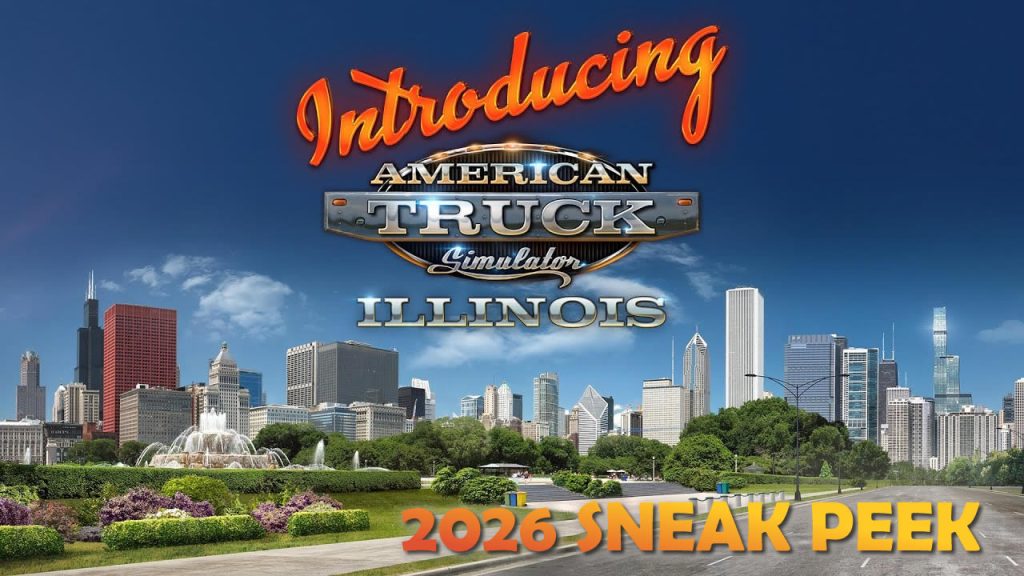
Upcoming DLC for American Truck Simulator of Illinois State is probably will be released in 2026. I collected official SCS Software footages and pics to date.
Before Illinois we most probably will see another state DLC in 2025 – Louisiana
We haven’t see new versions of Southern Region map since version 1.54 (May 2025) and it was adaptation of 13th edit with minor new content and mostly compatibility. Since that we’ve seen a lot of changes in the game. Its only author Artyom (aka SimKA) has not enough time to make updates and never share the map with other modders. So to avoid speculations it has been revealed statement on the official community:
1. No new versions are expected at this time. The project has been effectively “frozen” since June. Artyom (author) will unfreeze it when he comes back online. 2. The current version (13.1, for ETS 2 1.54) has been removed from sharemods for violating rules. Furthermore, version 13.1 for 1.56 is no longer particularly suitable, so there’s no point in restoring the link for now. 3. Overall situation with the project is as follows: we’re waiting for Artyom to have enough free time to adapt map for the current version (not even for 1.56, for sure) and we’ll restore the download links (with mirrors). 4. In terms of map builds, it’s best not to use it at all for now. Since the official version is outdated, and when using third-party “improvements,” it’s unclear what the creators have added.
During Autumn Steam sale SCS changed their bundles and old bundles are not available now. So my shopping guide for ATS is outdated right now. Actual bundles are here – it is good time to purchase insufficient DLC.
Britain in ETS2 is the oldest area in the game, featuring incorrect scale, outdated materials, ancient assets, and a road network that hasn’t aged well. Along with the early Eastern European regions, it stands in stark contrast to the newly added expansions such as West Balkans or Greece, not to mention the stunning quality we’ve seen in recent map updates in Germany and Switzerland.
The Teaser That Started It All
Recently, SCS Software released an intriguing teaser video that’s got the community buzzing. On the surface, it appears to be a charming guide on how to make English tea correctly, complete with proper BBC-style British pronunciation. No trucks, no roads, no explicit mention of any rework—just tea, spoken in the Queen’s English.
But longtime fans of SCS know that the studio rarely does anything without purpose. Why would a Czech game developer suddenly release a video about British tea culture with such attention to authentic pronunciation and cultural detail? The answer seems obvious: Britain might finally be getting the rework it desperately deserves.
Why Britain Needs a Rework
The United Kingdom was one of the first regions added to Euro Truck Simulator 2, and while it was impressive at the time, the game has evolved tremendously since then. Modern expansions showcase:
Accurate scaling that makes cities feel properly sized
High-quality materials and textures that bring roads and landscapes to life
Detailed assets from buildings to vegetation
Realistic road networks that mirror real-world infrastructure
Atmospheric lighting and weather effects
Drive through the UK today, then hop over to any recently updated region, and the difference is striking. Britain feels cramped, simplified, and lacking in the character that makes exploring new territories so enjoyable in modern ETS2.
The Big Question: Free or Paid?
This brings us to the inevitable question: if SCS does rework the UK, will it be a free update or a paid DLC?
There’s precedent for both approaches. SCS has historically provided significant free updates to existing map areas, continuously improving the base game. However, the scale of work required to completely rebuild Britain from scratch, essentially would be enormous. We’re talking about:
Completely remodeling every city
Rebuilding the entire road network with proper scaling
Creating new assets for British landmarks and architecture
Updating materials and textures throughout
Potentially expanding the map to include more of the UK (Ireland would be a good candidate for DLC)
Given the scope, a paid DLC wouldn’t be unreasonable. Many in the community would gladly pay for a “UK Refresh” or “Britain Reworked” DLC that brings the region up to modern standards. After all, SCS has earned tremendous goodwill with their consistent support and quality improvements over the years.
Alternatively, SCS might surprise us with a free major update, continuing their tradition of supporting the base game while funding development through new expansion sales.
Looking Forward
Whether that tea-making video is a clever hint or just SCS having some fun, one thing is certain: Britain deserves the same love and attention that recent expansions have received. The UK was there at the beginning of ETS2’s journey, and it would be wonderful to see it brought up to the standard that reflects how far the game has come.
What do you think? Is a UK rework on the horizon? And more importantly, what would you most want to see in a reworked Britain?
My golden rule is Every Road Must Be Traveled, Map Have To Be Discovered. So since 2017 I do it almost on every game update including all expansions and reworks. This obsession has driven me through countless game updates, expansions, and complete map reworks across both American Truck Simulator and Euro Truck Simulator 2. Some map updates take a lot of time but some is pretty small and can be discovered in couple days. When you switch to another profile and don’t want to start map discovery from the scratch it is possible to transfer opened road to another profile. So I do it sometimes with newer profiles for both games (ETS2 and ATS) and also periodically share my progress in Youtube guides
The new update 1.56 for both games has been released recently and I made updated guides.
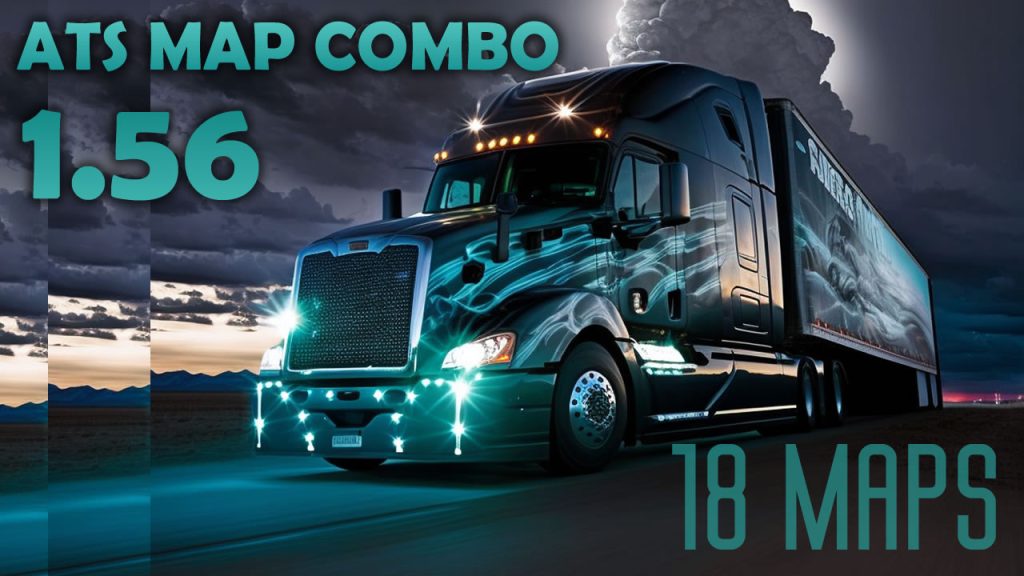
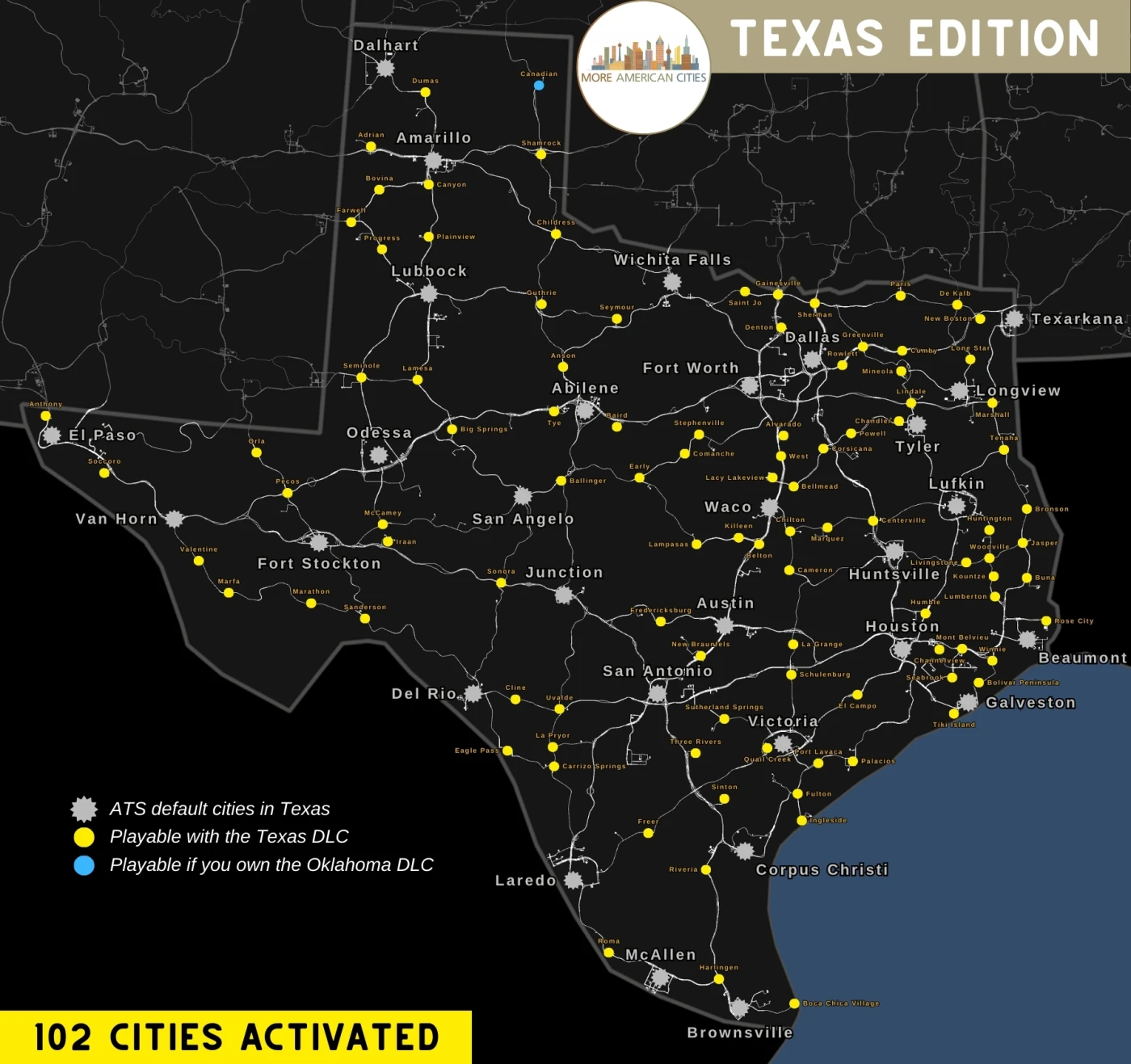
The first big map combo for ATS 1.56 with Coast to Coast, Promods Canada, ATS Expansion, More American Cities, Sierra Nevada, EMMN and other mods. Links below consist 18 maps and additions. Only Free mods.
Upcoming DLC for American Truck Simulator of Louisiana State is probably will be released in the end of 2025. I collected official SCS Software footages and pics. You can follow details of the new DLC on official SCS blog and in social media.
In this guide I explain how to merge several profiles map discovery progress on example of merging vanilla 100% and Roextended 89% profiles on ETS2 1.53. You can try this scheme on 1.56 and in both ETS2 and ATS. Below you can find link to text version, tools and also ready strings used in this video (updated to 1.56).
Guide:
1. Reason Merge discovered items in two profiles let you have updated visited roads in the end even if you exploring maps on different profiles. Also when the new version of the game is being released you can again discover as much as possible and then merge with your old combined profile.
2. Preparations and tools Download and install software we plan to use – TS SE Tool, Notepad++, make sure that you have mods in mod folder if you plan to merge mod’s profile, make sure that Steam cloud disable for all profiles which will be changed, check config file if you can decrypt game files (g_save_format 2) and can use console (uset g_developer 1, uset g_console 1) and so on.
3. Backup Backup all the profiles to the separate drive before doing any manipulations.
4. Profiles job Enter to the profiles you wish to merge and save game to locate desired profiles by timestamp. You should carefully pick correct profiles. Decrypt profiles one by one and open game.sii in each mergeable profile and copy all discovered items to new text file (in this file we will merge them). We can merge 2 or more profiles but don’t forget that it should be from the same version of the game.
5. Merge (most important part) When all discovered items strings pasted to the text file we have to change the order of numbers – the way as game read each string. Start from removing left part of the string (discovered_items []: ) with Notepad ++ command Find and Replace (Ctrl+C). On the Find what enter discovered_items \[\d+\]: and keep blank on Replace with (we have to remove them). Do not forget check Regular Expression in Search Mode. Replace all and you will get list of numbers. On this step you can also remove duplicates. Now we have to return discovered_items []: text with empty brackets. Alt+C and choose Text to insert and place there discovered_items []: and push ok. On the next step we have to add numbers to the brackets with correct order from 0. Select all in bracket spots (Choose first one and with Alt+Shift select last one) and again Alt+C and choose Number to insert – Initial should be 0, increased by 1, format decimal. Push ok and wait. If you have lot of string it can take a while. When all numbers added to brackets we can remove redundant spaces. Now we can copy strings and paste them to the target profile where will me merged result.
6. Results we get We have to see discovered roads from 2 or more profiles we combined.
7. Back to play Load from profile where strings added and if you see desired result you can back to game but please bare in mind that recruitment agencies are not gonna work with this method so if you want to hire drivers you game will probably crash. To avoid it hire drivers before profiles modifications.