

Evolution of ETS2 – DLC Trailers & Releases (2012-2026)
This timeline showcases almost every official DLC trailer (+ free map expansions and reworks) from the 2012 base game launch through the upcoming Iceland DLC.
Watch how SCS Software expanded the virtual European trucking world from the original 18 countries to the complete continent, featuring:
Base Game (2012) – The foundation with 18 countries
Going East (2013) – Eastern European expansion
Major DLCs: Scandinavia, Vive La France, Italia, Beyond the Baltic Sea, Road to the Black Sea, Iberia, West Balkans, Greece, Nordic Horizons
Future expansions: Iceland DLC
It does not include future Isle of Ireland, Soul of Anatolia and UK Rework.
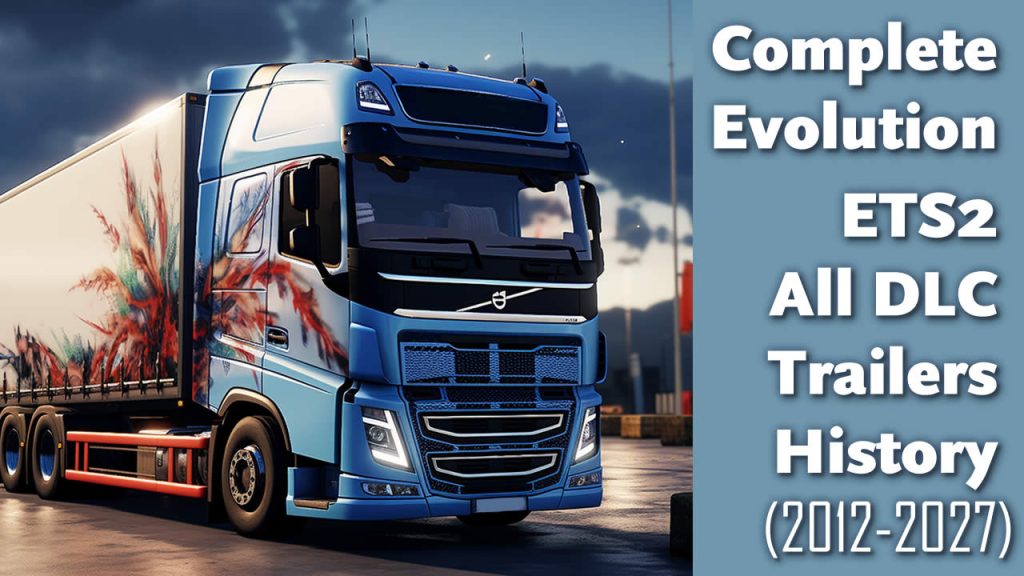
Each trailer is presented chronologically with game version info and covered regions. Perfect for ETS2 veterans wanting to relive the journey or newcomers discovering the game’s incredible growth over 13 years!
All footages taken from @SCSSoftware, the music has been replaced since most of the trailers have copyrighted tunes. Resolution of initial trailers was 720p and later 1080p so I framed them.
Map Combo Study 10.19.2026
A quick status update on where the Map Combo Study stands.
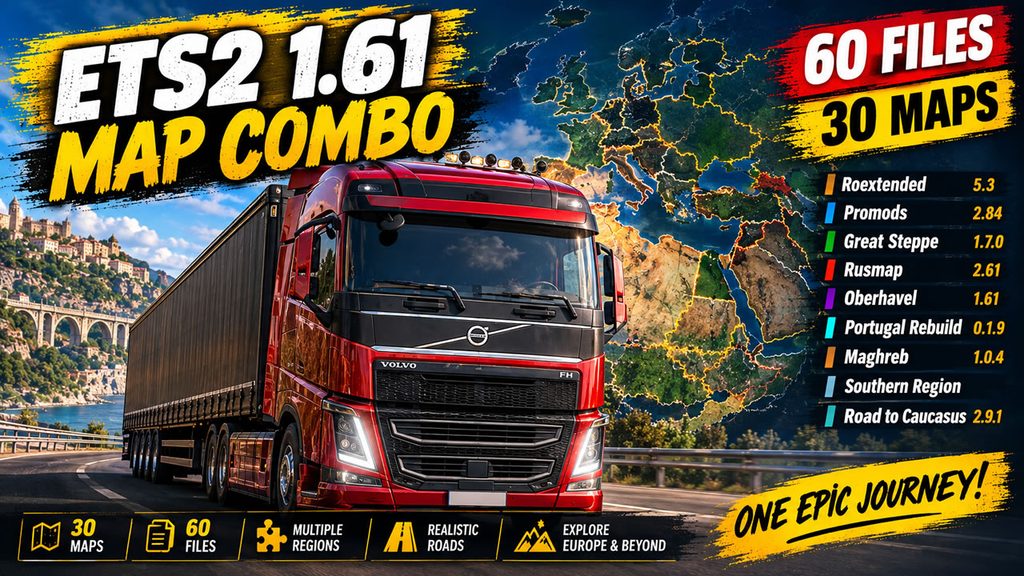
ETS2 1.61: the mega combo is taking longer than planned
I’m building a big mega map combo for ETS2 1.61, and it has taken more time than I expected. A lot of new maps were released and many existing ones got updates, so the setup kept moving under my feet. Trucksim is a hobby project and my time is limited, so I’m deliberately not publishing interim versions. I’d rather put the effort into one major, properly tested setup than hand out a string of half-finished ones.
The goal is to finish the new ETS2 combo this weekend. I can’t promise it, but that’s the target.
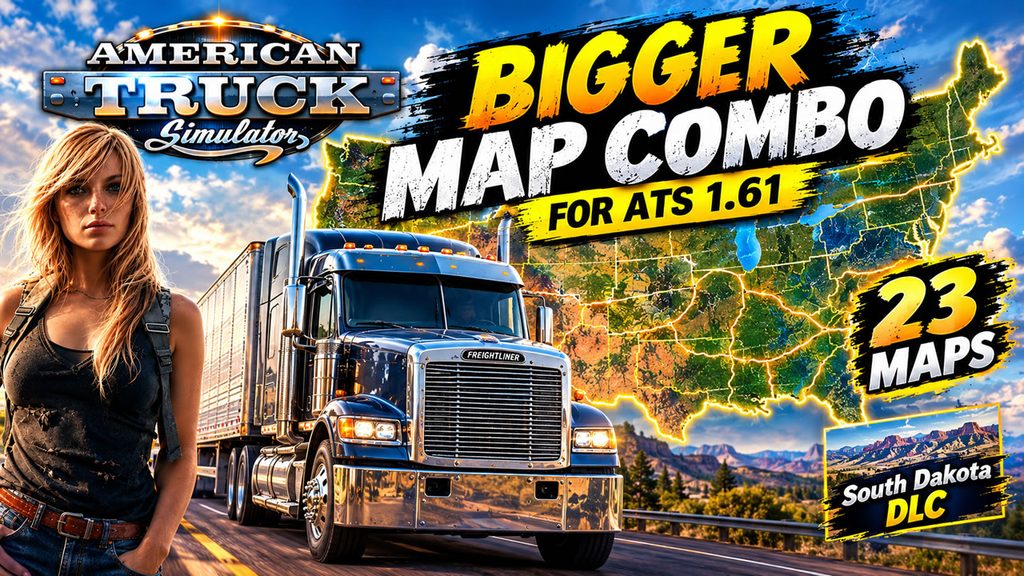
ATS: the big combo is done
The good news is on the American side. The larger ATS map combo is finished, and it should stay current for the entire 1.61 cycle. It includes most of the free maps that are available and can be combined right now.
I had planned to add paid mods as well, but that needs its own additional setup, and again time is the limit. For now the ATS combo covers free maps only.
What else is on the list
Alongside the combos, there are a few things I want to finish:
- Events that still need to be wrapped up
- More varied videos built around my own routes (see the North Dakota Routes)
- 100% discovery guides
- Hidden roads guides
Don’t forget about Beginner’s Guide which help new comers to dive to combos world. It will save you time, prevent recurring issues, and help you create a stable and enjoyable setup from the start.
ETS2 1.61 First Map Combo for ETS2 1.61 – Tutorial – September, 22 – 2026
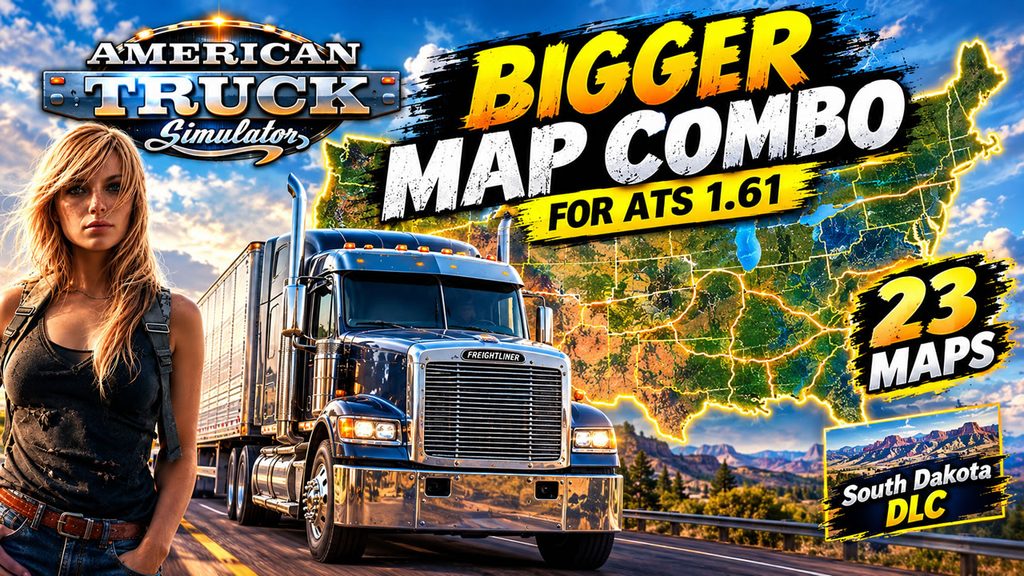
ATS Bigger Map Combo for ATS 1.61 with 23 Maps – October, 18 – 2026
Guide mentioned above could be helpful:
Youtube channel as well as this blog is my hobby so I can spend on it only the free time. If you like my content please consider to support Trucksim on Patreon.

Bigger Map Combo for ATS 1.61 with 23 Maps – October, 18 – 2026
The second and fixed map combo with bigger areas to explore and count of mods. Combination designed for ATS 1.61 with South Dakota DLC. It includes Coast to Coast, Promods Canada, Beyond, Reforma, ATS Expansion, Mexssimap, ATMX, Sierra Nevada and other mods. Links below consist 23 maps and additions. Only Free mods.
Links:
UPDATE📌Coast to Coast Map 2.24.61.1 https://trucksim.top/mck5
📌Reforma 3.0.1.161 https://trucksim.top/j8q9
NEW📌Reforma Fix 1.61-1.0.1 https://trucksim.top/lzbq
📌Reforma Mega Resources 3.0.1.161 https://trucksim.top/et5v
📌Reforma Sierra Nevada 1.19.161 https://trucksim.top/0vxg
NEW📌Reforma Sierra Nevada Fix 1.61-1.0.0 https://trucksim.top/bzy4
📌Reforma Other Maps Patch 40.161 https://trucksim.top/pnhz
📌Promods Canada 1.6.4 https://trucksim.top/38bg
NEW📌Grand Utopia of America 1.5a https://trucksim.top/n1yv
NEW📌Grand Utopia of America – Base Map Connection 1.4a https://trucksim.top/1nzq
NEW📌Grand Utopia of America – South Dakota Fix 1.61-1.0.0 https://trucksim.top/avbu
NEW📌Beyond ATS 11.0 https://trucksim.top/l58f
NEW📌Beyond – ProMods Canada Fix 1.61 – 1.0.0 https://trucksim.top/5ps2
NEW📌Coast to Coast – Beyond RC 1.1.2 https://trucksim.top/gtlx
📌ATS Expansion 23 (Requires Volvo Construction and Heavy Cargo DLCs) https://trucksim.top/2363
NEW📌ATS Expansion Fix 1.61-1.0.2 https://trucksim.top/fokf
NEW📌EMMN Expansion 1.61-2 https://trucksim.top/1yl4
NEW📌EMMN – Promods Canada RC 1.61-1 https://trucksim.top/o6u9
NEW📌EMMN – ATS Expansion RC 1.61-1 https://trucksim.top/0fpb
NEW📌Ontario-Quebec V14-161 https://trucksim.top/wi8b
NEW📌EMMN – Ontario-Quebec RC 1.61-2 https://trucksim.top/ekkm
📌American Open Spaces 2.2 https://trucksim.top/805p
NEW📌Radiator Springs 1.3 https://trucksim.top/58w2
NEW📌Radiator Springs Fix 1.61-1.0.1 https://trucksim.top/hn53
📌ATS Mountain Rework V2.1 https://trucksim.top/sauz
UPDATE📌ATS Mountain Reworks Fix 1.61-1.0.1 https://trucksim.top/ti5c
NEW📌Discover Oregon Revived 1.0.0 https://trucksim.top/kp8y
NEW📌Trinity County Revived 1.0.0 https://trucksim.top/orbz
NEW📌Washington Extended Revived 1.0.0 https://trucksim.top/6t4u
NEW📌Washington Extended Revived Promods Connection 1.0.0 https://trucksim.top/urnl
NEW📌Petersburg Alaska Revived 1.0.0.1 https://trucksim.top/0cun
NEW📌Aleutian Islands Revived 1.0.0 https://trucksim.top/1lvk
📌Project Better Arizona 0.5.3 https://trucksim.top/rf0s
📌Project Better Arizona Reforma Connection 1.16 https://trucksim.top/aeg7
NEW📌Mexssimap 0.80.161 https://trucksim.top/z0xh
NEW📌Mexssimap Fix 1.61-1.0.0 https://trucksim.top/68zx
📌West Coast Ferry Terminals 1.1.3 https://trucksim.top/feih
📌Trucksmap USA 1.7pa1 https://trucksim.top/34dk
NEW📌ATMX 10.7 https://trucksim.top/b8kp
NEW📌NASCAR Map Combo Pack 1.0.0 https://trucksim.top/a2gi
NEW📌Ultimate Combo FIX – ATS 1.61-1.0.2 https://trucksim.top/lanu
📌Allan’s America Background Map 4K – Light (Steam Workshop) https://trucksim.top/wy6p

Hidden Roads Study – October, 13 2026
A quick recap what is going on with hidden (or secret) roads in ATS and ETS2. First of all – Proximity Exploration feature released in 1.61 can help you to find most of the secret roads without any guides. You can turn on or off the feature but anyway it is the biggest change in the game on this topic since 2022, when hidden roads came as markable objects in version 1.44. For sure some roads are real secret and even with this feature you need to go around all roads to find the location of unmarked path. So for some time I will continue to update my guides.
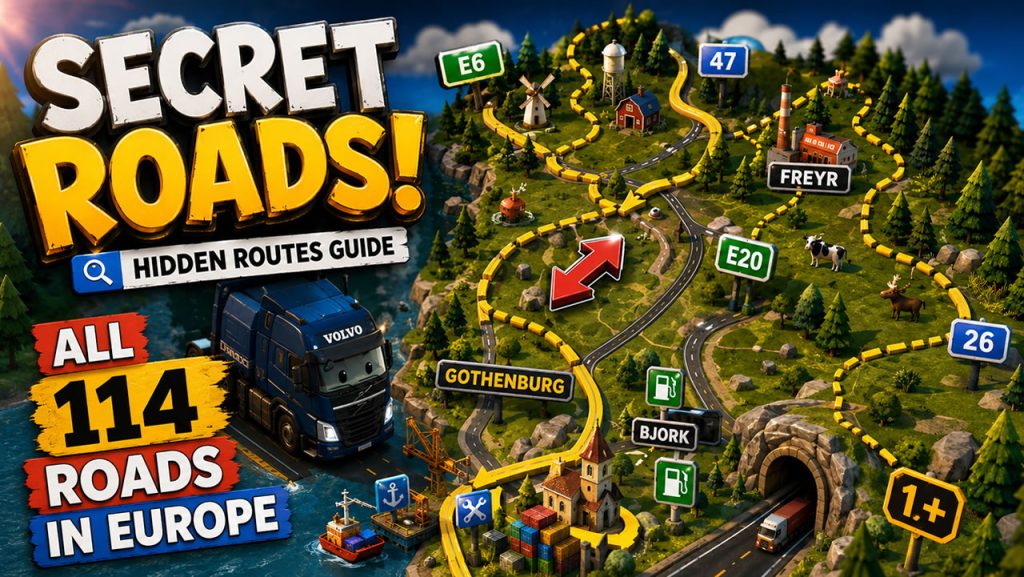
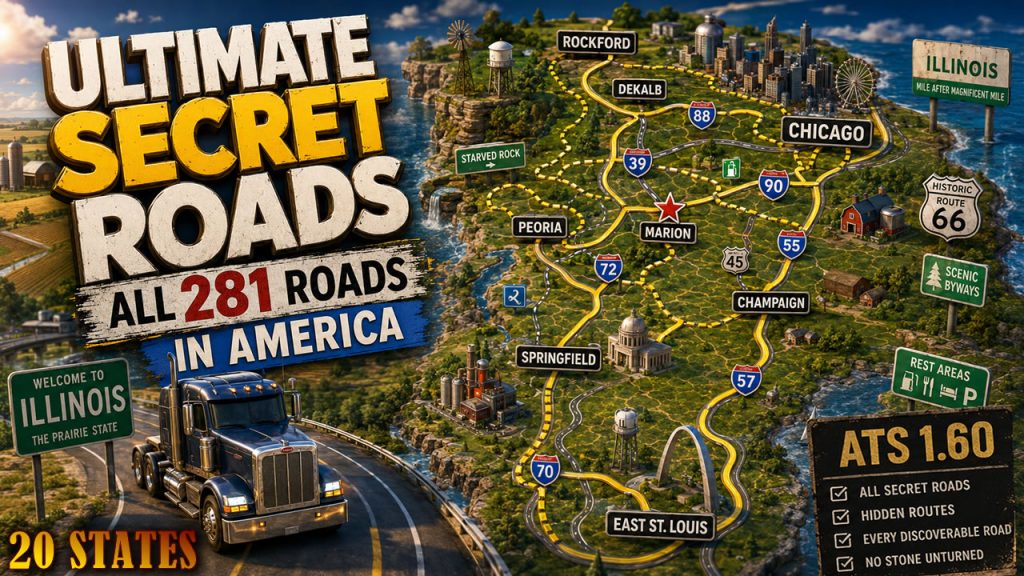
Big guides need to be updated – for ETS2 I have to check what is wrong with roads number – double check how many roads we have and what I missed. For ATS with 1.61 we got new DLC South Dakota where 10 new roads found (video below) but additionally I also have to check again count of roads and correct it accordingly. It will take some time on my side. So below you can find current existent guides more or less actual on 1.61 but not fully accurate. Guides for Europe with 114 roads and 281 in America are available on my channel excluding South Dakota. But below you can see 10 new roads footages in this new expansion. And the next big update will be I guess closer to the end of the year with Iceland and British Columbia DLCs.
If I find any new roads or you suggest one I will not update it instantly since I skip mid-tier guide videos because of low views on YouTube. The same issue affects 100% discovery guides and map combo content. I know there’s interest from my audience, but without YouTube helping push this type of content, it quickly gets buried.
You can always check the complete list of cities with hidden paths here: https://trucksim.top/y9t6. It probably won’t reveal the exact secret road locations, but it can help you figure out if you missed any areas.
ETS2 (updated 06.01.2026, actual on 1.61 with all map DLCs, 114 roads so far)
ATS (updated 06.28.2026, actual on 1.61 but without South Dakota DLC, 281 roads so far)
Collection of 10 found roads in South Dakota with locations footages.
100% discovered study 10.11.2026
We have guides for 100% in both games but for Europe it is actual for 1.60 and there are no dramatic changes in 1.61 and bear in mind that if you combine ETS2 vanilla map with Promods as I did in below video, you will get 100% on that profile. In ATS 1.61 I added South Dakota DLC and other small pieces appeared with Road Trip.
Below you can find 100% for ATS and ETS2. As well as 100% on ProMods 2.84.
I’m not sharing my RoExtended profile with 100% since nobody asks.
I believe my guides will be less useful since starting of 1.61 we got Proximity Exploration feature and you can get your 100% with your truck or car (or later bus) without profile modifications and all this stuff. To be honest I’m so tired of this infinite race for 100% and I will do it as long as enjoy it on my side.
ATS 1.61 – 100% Explored map with all DLC including South Dakota (October 2026)
ETS2 1.60 – 100% Explored map with all DLC (July 2026, all map DLCs)
Promods 2.84 on ETS2 1.61 – 100% Explored Promods map (October 2026, including Vanilla, all DLC)
I do these discovery since 2017 and I discover whole map almost on every game versions including all expansions and reworks.

