American Truck Simulator: 1.61 Open Beta
After a couple months of experimental beta for 1.61 SCS Software releases open beta starting from ATS and following with ETS2. Cycle of previous 1.60 version was quite short but longer than we expected in June. We can’t call new version fundamental and revolutionary but couple features will change life for some players. As always you can read about all changes of the official blog. To try beta go to Steam client → LIBRARY → right-click on American Truck Simulator → Properties → Betas tab → Beta Participation drop-down menu → public_beta. No password is required. Sometimes you will have to restart your Steam client to see the correct branch name there.
Changelog
Map
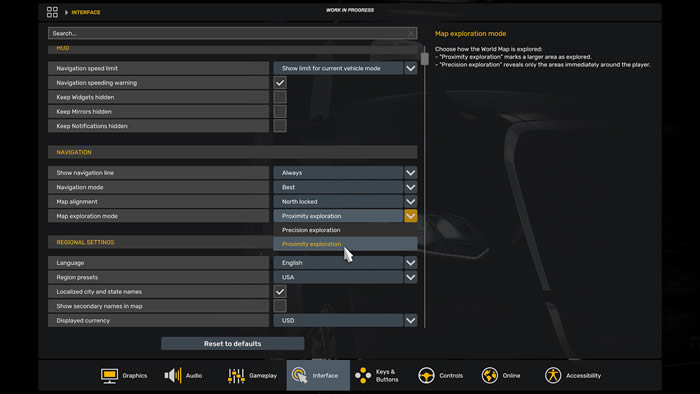
- Proximity Exploration
- Map Changes for Road Trip
Vehicles
- New Cargoes
Visual
- Improved Material System: International LT & International LoneStar
American Truck Simulator and Euro Truck Simulator 1.60 Release
Today SCS Software released final version of ATS 1.60. And in couple days we will see ETS2 update. It brings no map content but adds very important improvements to the game.

Job Details Widget & GPS Update
First up, the Job Details Widget. It sits on screen while you drive and shows cargo type and weight, your delivery destination, income — color-highlighted based on how well the job pays — and the time remaining to complete the delivery. You enable it through the Widget Options menu, F6.
There’s also a nice addition that wasn’t in the original announcement: the GPS itself now shows your estimated arrival day and time, plus the remaining travel distance, on top of the travel time it already showed. That came directly from community feedback.
Game Radio
The headline feature is still Game Radio — five curated stations, each with its own identity. Rust FM covers rock across five decades. Escape is lo-fi and jazz, and it’s the only stream-safe station at launch, built on the StreamBeats library so content creators avoid copyright claims. PUMP IT! is electronic and dance. Pop Gear is contemporary pop. And Roadio leans into American roots music — folk, country, Americana.
The in-cab widget shows station name, track title, artist, and an animated waveform, and you can mark favorites. Modders will also be able to create and share their own stations.
SCS describes this as just the foundation — more stations and features are planned for future updates.
Improved Material System & Light Tweaks
Next, the Improved Material System overhauls truck interior lighting using dynamic cubemaps, so leather, fabric, plastic, and metal all react to ambient light properly instead of looking flat and dark.
In ETS2, the first trucks to get this are the DAF NGD and MAN TG3 TGX. In ATS, it’s the Mack Anthem and the Western Star 49X. More trucks will follow in later updates. This tech actually originated from Project Road Trip development, though Road Trip vehicles themselves aren’t part of 1.60.
Alongside that, SCS quietly added some global Light Tweaks — minor exposure and contrast adjustments, plus refinements to how bad weather looks. Nothing dramatic, just an overall polish pass.
Expanded Rest Mechanic
The fatigue system has been reworked and split into two values. Rest State — shown with a bed icon — gradually depletes as you drive and triggers microsleeps if it gets too low. Mandatory Break — shown with a “P” icon — tracks how many hours you have left before a required stop, based on real driving-hour limits: 14 hours driving and 10 hours rest in ATS, 10 hours driving and 9 hours rest in ETS2.
The key change: you can now choose exactly how long to sleep and when to wake up, instead of a fixed rest duration. Both systems can be toggled independently in the settings.
New Paint Jobs & Vehicle Additions
A few extras came along with 1.60 release. For ETS2, the Volvo FH Series 6 gets new aerodynamic roof deflectors for the Sleeper Cab, Globetrotter, and Globetrotter XL cabs, plus a new black aero A-pillar trim available across all Aero cabin variants.
For ATS, there’s a new set of Players’ Company Paint Jobs — designs based on the company identities you can pick when creating a driver profile, with each paint job custom-tailored to different trailer types rather than just slapped on.
And as a free addition, the Kenworth T680 2022 and W900 both get a TourAmerica paint job — a red, white, and blue design inspired by the 1990s T600 livery, tied to Kenworth’s Freedom 250 celebration for America’s 250th anniversary.
Changelog
Vehicles
- Players’ Company Paint Jobs
Visual
- Improved Material System
- Light Tweaks
Sound
- Game Radio
UI/UX
- Expanded Rest Mechanic
- Job Details Widget
American Truck Simulator: 1.60 Open Beta
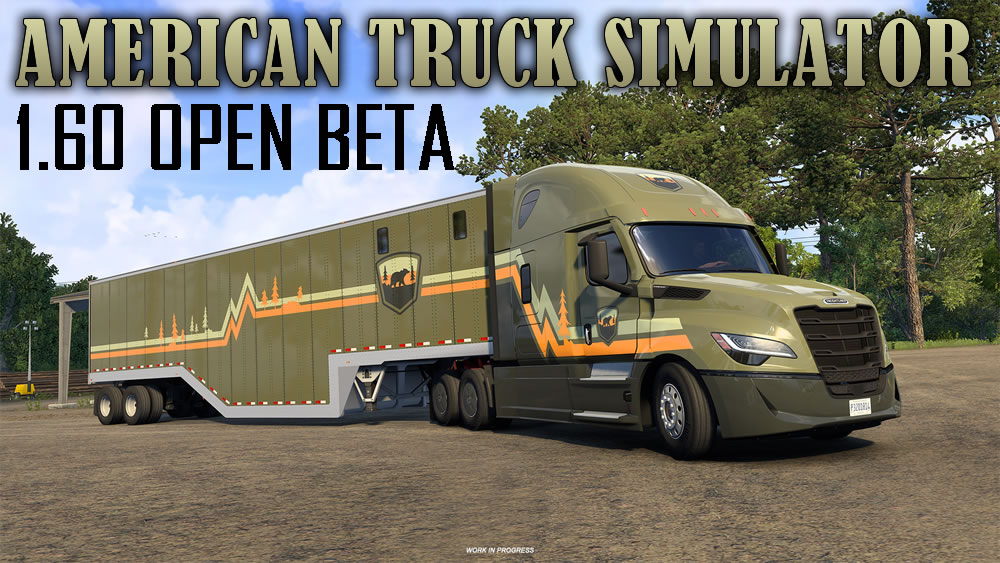
While version 1.59 for both ETS2 and ATS released in May, SCS Software already released beta version of ATS 1.60 and it means that cycle of previous version should be quite short. As always you can read about all changes of the official blog. To try beta go to Steam client → LIBRARY → right-click on American Truck Simulator → Properties → Betas tab → Beta Participation drop-down menu → public_beta. No password is required. Sometimes you will have to restart your Steam client to see the correct branch name there.
Changelog
Vehicles
- Players’ Company Paint Jobs
Visual
- Improved Material System
- Light Tweaks
Sound
- Game Radio
UI/UX
- Expanded Rest Mechanic
- Job Details Widget
Euro Truck Simulator 2 1.59 Released
SCS Software just released ETS2 1.59. If you tried beta don’t forget to disable it – go to Steam client → LIBRARY → right-click on American Truck Simulator → Properties → Betas tab → Beta Participation drop-down menu → None.
And if you tuned up buffer settings before this version it is time to disable it in config file.
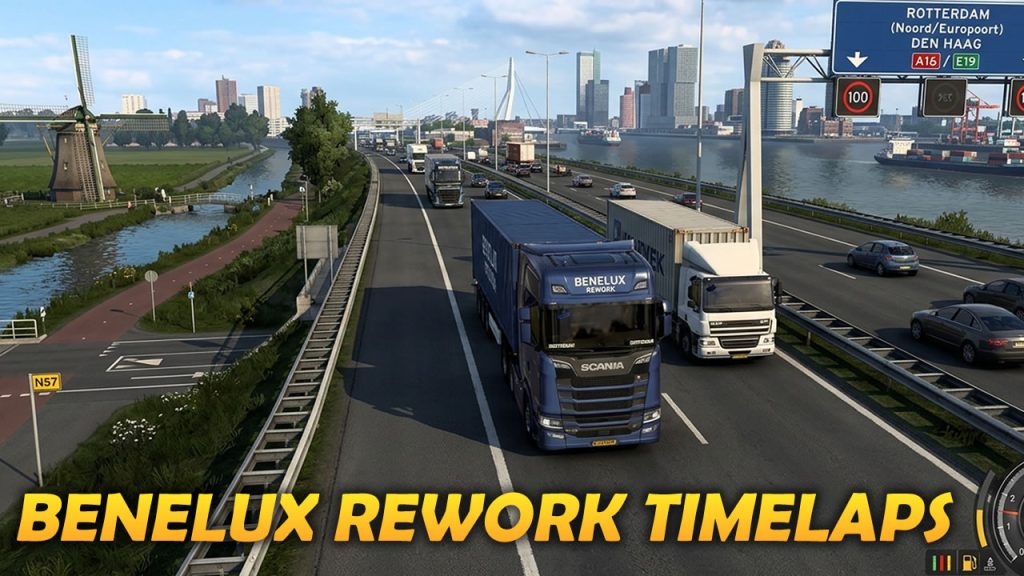
ETS2 1.59 brings us reworked Benelux Rework. Below you can find couple videos with my discovery of new areas.

Changelog
Map
- Benelux Rework Release
- Volvo Trucks Experience Center
Vehicles
- Thermo King Update
Gameplay
- Tow to Road Feature
UI/UX
- Advisor Update – Finances & Damage Widgets
- Skills UX Redesign
- QoL UI/UX Changes
- Improved News Banner Readability
- World Map Pin Enhancements
- Save Icon Update
- Garage Cutscene Skipping
- D-pad Accessibility Improvements
Visuals
- Height Blend Improvements
Sounds
- Traffic Sound Rework
Other
- Detour Feature Maintenance
American Truck Simulator 1.59 Released
SCS Software just released ATS 1.59. If you tried beta don’t forget to disable it – go to Steam client → LIBRARY → right-click on American Truck Simulator → Properties → Betas tab → Beta Participation drop-down menu → None.
And if you tuned up buffer settings before this version it is time to disable it in config file.
Changelog
Gameplay
- Tow to Road Feature
UI/UX
- Advisor Update – Finances & Damage Widgets
- Skills UX Redesign
- QoL UI/UX Changes
- Improved News Banner Readability
- World Map Pin Enhancements
- Save Icon Update
- Garage Cutscene Skipping
- D-pad Accessibility Improvements
Visuals
- Height Blend Improvements
Sounds
- Traffic Sound Rework
Other
- Detour Feature Maintenance
American Truck Simulator: 1.59 Open Beta
SCS Software released beta version of ATS 1.59 and as always you can read about all changes of the official blog. To try beta go to Steam client → LIBRARY → right-click on American Truck Simulator → Properties → Betas tab → Beta Participation drop-down menu → public_beta. No password is required. Sometimes you will have to restart your Steam client to see the correct branch name there.
Changelog
Gameplay
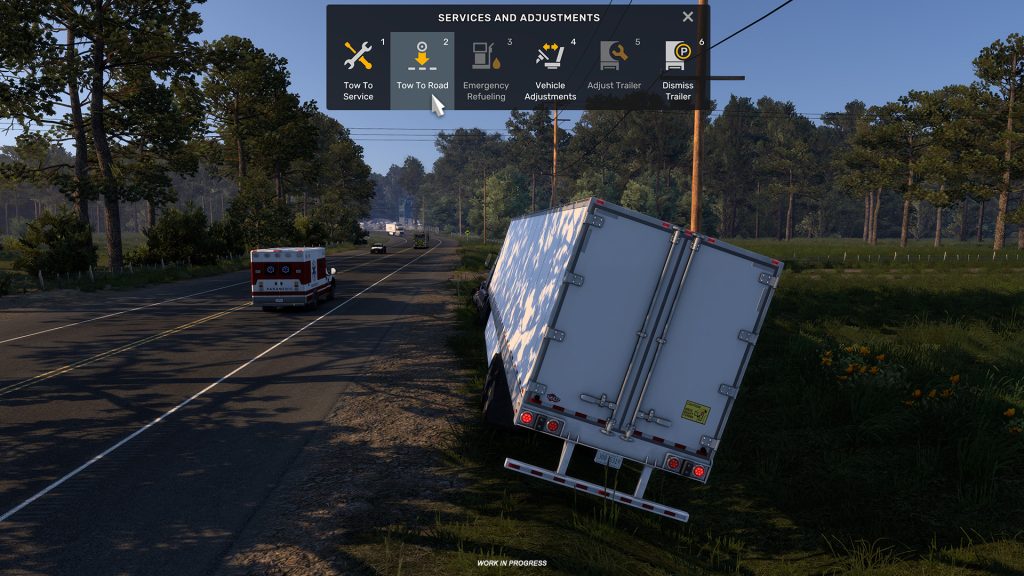
- Tow to Road Feature
UI/UX
- Advisor Update – Finances & Damage Widgets
- Skills UX Redesign
- QoL UI/UX Changes
- Improved News Banner Readability
- World Map Pin Enhancements
- Save Icon Update
- Garage Cutscene Skipping
- D-pad Accessibility Improvements
Visuals
- Height Blend Improvements
Sounds
- Traffic Sound Rework
Other
- Detour Feature Maintenance
American Truck Simulator: 1.58 Released
After only two weeks of start of open beta the final release of ATS 1.58 is here. This is really major release and for America it is also a new map content – the first stage of Route 66 Rework.

Changelog
Gameplay
- Driving Academy – Double Trailer Handling
Vehicles
- Vehicle Behaviour, Physics & Collisions Update
Map
- Route 66 Rework Project
- Map Changes In Preparations for Road Trip
- New Truck Garages
UI
- Tutorial Redesign & Contextual Hints
- Route Advisor Redesign
- Quick Info Feature
- Truck Configurator Improvements
- Management Screen Improvements
Route 66 Secret Roads – Arizona Grand Canyon – ATS 1.58
ATS 1.58 Open Beta review, Academy, Route 66 teaser, New Map Rework
ATS & ETS2 Update 1.58: A Major UI & UX Refresh
Update 1.58 marks one of the most significant UI and UX overhauls in American Truck Simulator and Euro Truck Simulator 2 to date. Touching nearly every screen players interact with daily, this update modernizes core systems while laying a more flexible foundation for future features and platforms.
The redesign is driven by the games’ long-term growth. While some changes may require brief re-learning, the goal is a cleaner, more intuitive, and future-ready experience that scales with what’s coming next.
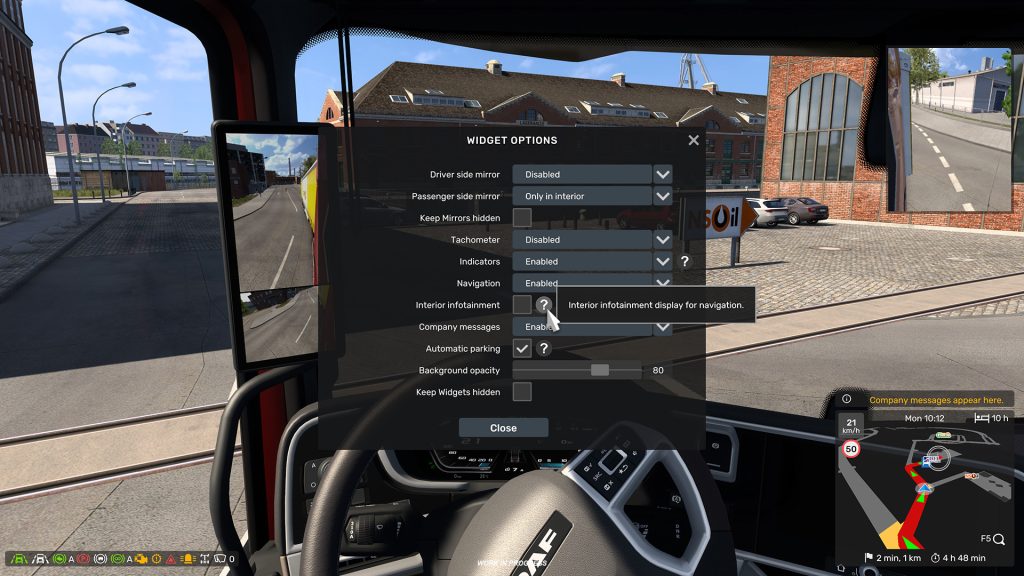
Key highlights include a redesigned tutorial system built around contextual hints, delivering guidance naturally during gameplay rather than through a rigid, linear flow. New players get help when it matters, while experienced drivers stay focused on the road.
The Route Advisor has been completely reworked into a customizable, widget-based HUD. Instead of a fixed panel, players can now tailor on-screen information to their driving style, from minimal layouts to data-rich setups.
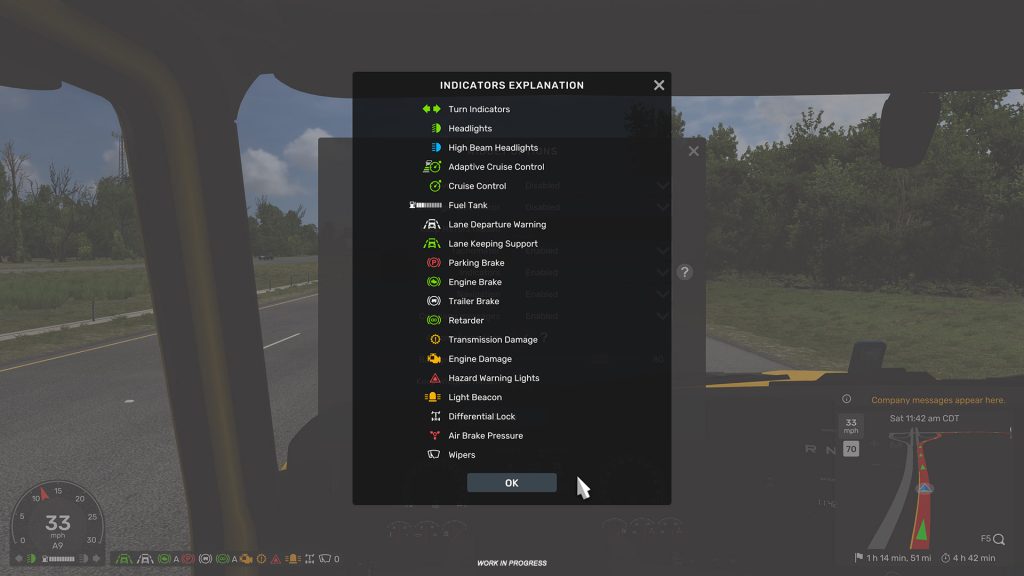
The Pause Screen evolves into a new Quick Info hub, centralizing job details, truck status, controls, and local regulations. This keeps the driving HUD cleaner while ensuring all critical information is just a pause away.
Quality-of-life improvements also arrive across management screens, offering clearer driver skill tracking, better company info visibility, and refined usability without disrupting familiar layouts. Meanwhile, the truck and trailer configurators receive targeted usability upgrades, improving navigation, feedback, and controller support.

Overall, Update 1.58 is a foundational step forward — modernizing daily interactions while preparing ATS and ETS2 for the next generation of content. Community feedback during the Open Beta will play a key role in refining these changes further.
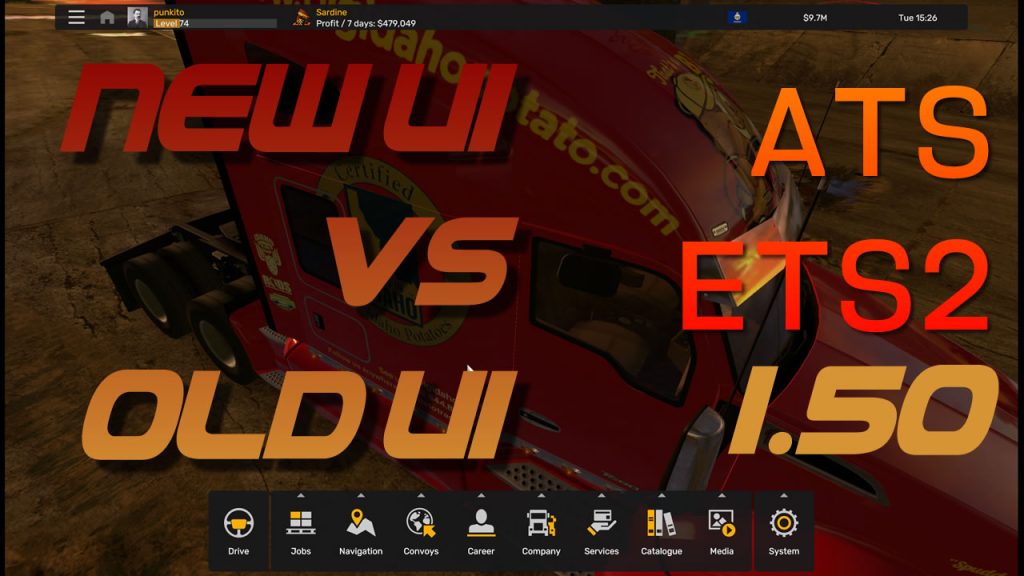
Please find below previous UI improvements:


Standalone maps bug in 1.56 fixed
Following the release of versions 1.56 of ATS and ETS 2 by SCS, a major bug has been identified: when creating a new profile, it was no longer possible to select the map module corresponding to a standalone map. The bug has been fixed in latest release. You have to download update in Steam.
SCS broke standalone maps in 1.56
Following the release of versions 1.56 of ATS and ETS 2 by SCS, a major bug has been identified: when creating a new profile, it is no longer possible to select the map module corresponding to a standalone map.
This makes it completely impossible to start a new game on certain standalone maps.
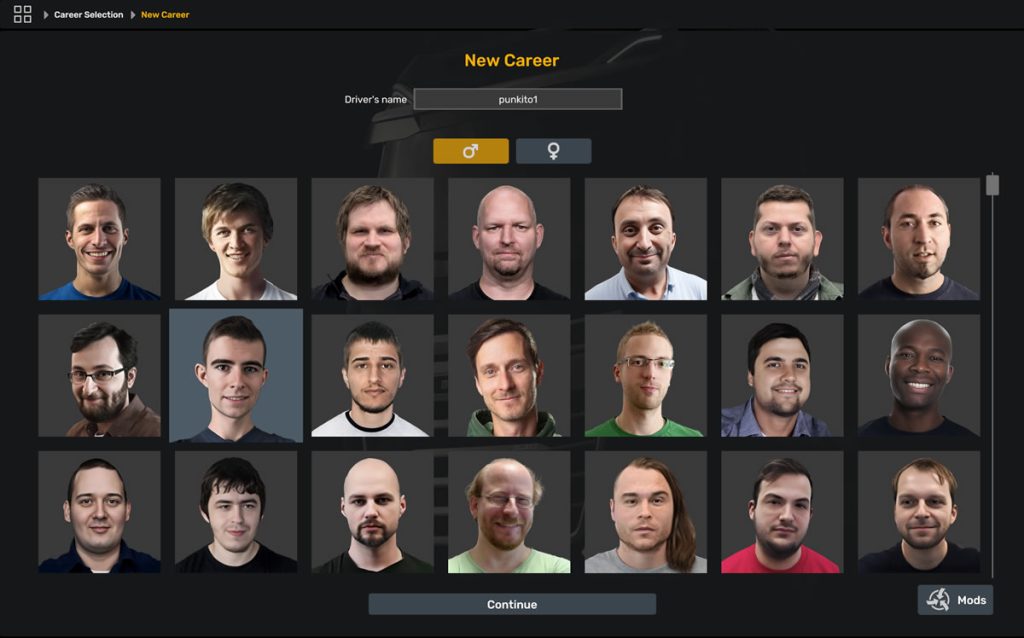
Affected only new profile creation, so if someone have already been created profile on standalone module it will work so it can be only replaced old version of mod with the new one in the mod manager.
We still do not know if it is just bug or the feature has been removed from the game and all standalone maps (count of which not very big) are become inacceptable for new players. The issue is already reported top SCS and there are topics on SCS Software forum.