How to Merge Map Progress in Profiles for ETS2 and ATS
New ETS2 and ATS version 1.62 updates are here so we will also see the mods updates and it is perfect time to make you perfect profile.
In this guide I explain how to merge several profiles map discovery progress on example of merging vanilla 100% and Promods 87% profiles on ETS2 1.58. You can do this on current version in both games. Below you can find link to text version, tools and also ready strings used in this video and some updated for 1.62 and all with 100%.
Guide:
1. Reason
There are several reasons. The most common one:
You play vanilla + DLC on one profile. And you play mod maps like Promods or Roextended on another profile.
Keeping them separate is fine. But what if you want:
- Your 100% vanilla discovery
- Plus your mod map exploration
- Combined into one master profile
Another reason:
You created a new profile for TruckersMP or testing purposes. And later you want your original progress back
Or maybe you lost progress after an update and want to rebuild quickly.
In all these cases — merging discovered map items makes sense.
Important:
In this tutorial we are merging only discovered map items.
We are not merging:
- Garages
- Money
- Drivers
- Trucks
- XP
That is a completely different topic.
2. What Was the Problem With the Old Method?
My year-old guide is still mostly actual and you can still use Notepad++ or other editor but new guide can save you hours. Let me remind you that in every profile, discovered roads are stored in a strict indexed order inside the game.sii file.
If you simply copy part of the data:
- The order becomes incorrect
- Duplicate entries appear
- The profile may crash
- Or the game may behave unpredictably
And this becomes a serious problem because:
- Vanilla profiles contain thousands of discovered entries
- With map mods, this can grow dramatically
Manually fixing that with Notepad++ used to require:
- Regex
- Manual renumbering
- Removing duplicates
- Reindexing everything from zero
It worked — but it was slow and error-prone. So today we go another way. We automate the process using a Python script.
3. Make backups!
If you plan to modify game files always Make backups! This is extremely important.
Your profiles are located by default in: Documents/ETS2/profiles or Documents/ATS/profiles
Copy the entire profiles folder somewhere safe. If something goes wrong, you restore everything in seconds.
Disable Steam Cloud synchronization for all profiles involved. We cannot modify profiles that are stored only in Steam Cloud. After disabling Steam Cloud, profiles will be saved locally in the Documents folder.
4. Preparations and tools
As always for manipulations with the profiles we need several tools:
Truck Tools for save decryption – it is free of charge application you need to install to make various actions with you profiles in both games. You can also use your preferrable tools for game files decryption
https://trucksim.top/trucktools
Sublime Text – we need good text editor that allow us to run big files. While I use Sublime, you can use your preferable text editor like Notepad++ or even VS Code.
https://www.sublimetext.com
Python installed on your system – it will run my script. Python is also free of charge.
https://www.python.org/
The merge-discovered.py script – you can download the script for free
https://sharemods.com/uig6zgjgicrf/merge_discovered.zip.html
How to use Python?
1. Go to the official website: python.org
2. Download the latest stable version for Windows.
3. Run the installer.
⚠️ Very important: Before clicking “Install”, check the box: Add Python to PATH. This is critical. If you skip this, the `python` command will not work in Command Prompt.
4. Click Install and wait.
5. That’s it.
How to Check If Python Is Installed?
Open Command Prompt and type: python –version or py –version
If you see something like: Python 3.x.x You’re ready to go.
If you see an error like “python is not recognized”, then:
Either Python is not installed
Or it was installed without adding to PATH. In that case, reinstall and check the PATH option.
Before starting
1. Make sure all profiles you plan to modify have Steam Cloud disabled.
2. If merging modded profiles, verify that all required mods are present in your mod folder.
3. Enable file decryption in config: g_save_format 2
4. Enable console: uset g_developer 1 and uset g_console 1
5. Make sure all profiles are from the same game version (don’t combine ATS profiles with ETS2 profiles and vice versa)
5. Prepare profiles
Enter each profile you want to merge.
Create a new save to identify them easily by timestamp.
Decrypt each profile using Truck Tools.
Inside each profile, locate the file: game.sii and copy them one by one to a new folder.
6. Merging Process
With the old method, you had to manually clean and reorder everything in Notepad++. With the new method, we only extract the necessary data in seconds.
Instead of manually:
Removing prefixes
Reordering numbers
Re-adding brackets
Generating incremental indices
Removing duplicates
We now use a Python script that:
Extracts all discovered item IDs
Removes duplicates automatically
Reorders them correctly
Recreates properly indexed discovered items entries
Outputs a ready-to-paste result
Shows you stats
Collect all game.sii files from desired profiles in one folder.
You can rename them as you wish, just make sure that they have .sii extension. Example profile3.sii or promods.sii etc.
Put the script merge_discovered.py to the same folder.
Open terminal or command prompt in the script folder (right click with Shift – Open Powershell window here) and type: python merge_discovered.py
or py merge_discovered.py
Press enter
The script will:
Detect all `.sii` files in the folder
Show how many items were found per file
Show total collected items
Show duplicates removed
Generate output file: merged_discovered.txt – fully indexed and ready to paste.
Then Open the target profile’s `game.sii (The profile in which we want to get results of merge)
Replace its `discovered_items` block with the newly generated one.
Save the file.
Open the save in the game.
Enjoy the results.
One known side effect
Recruitment agencies may not work properly after modifying discovered items. If you attempt to hire new drivers after merging, the game may crash.
Recommended workaround: Hire all drivers you need before modifying profiles.
Strings with 100% opened (just to start playing with profiles):
Promods 2.84 + Vanilla and all DLCs 1.61: https://sharemods.com/n2tse9gy68p9/promods100trucksim.zip.html
Vanilla ATS 1.61 (actual on 1.62): https://sharemods.com/ukmpn8zbcn1b/trucksim161full.zip.html (video guide: https://youtu.be/iaNEWd99aTo)
Vanilla ETS2 1.60 (97% actual on 1.62 with Iceland) https://sharemods.com/qcqt9a9qfffv/trucksim160fullsave.zip.html (video guide: https://youtu.be/G_FJrYwevAE)
Roextended 5.4 + Vanilla and all DLCs 1.62: https://sharemods.com/dazba8t2a5r6/trucksim-100-roex.zip.html
ETS2 Coaches DLC Is Out Now: What You Get and How to Start
The wait is over. SCS released the Coaches DLC for Euro Truck Simulator 2 today, November 12, 2026. The official release post went live in the morning, and the team pushed the release button live at the end of a special livestream.
Price and requirements
- Price: $14.99 / 14,99€ on Steam.
- Requires the base game Euro Truck Simulator 2 on Steam.
- It’s listed for Windows, macOS, and Linux.
What’s in the DLC
Three officially licensed coaches, each recreated with its own characteristics and customisation options:
- Scania Touring
- Volvo 9700 DD
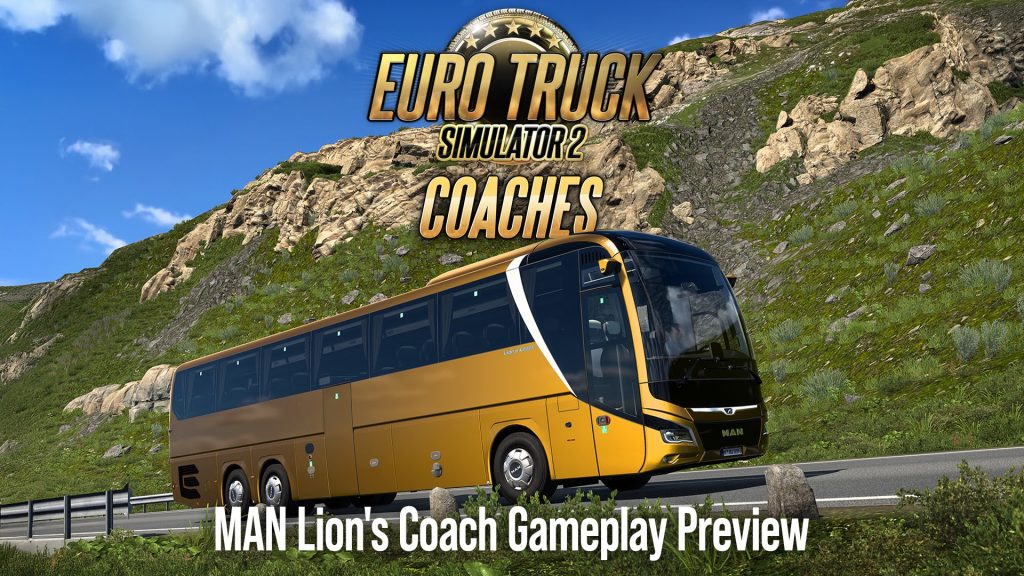
- MAN Lion’s Coach
SCS thanked Scania, Volvo Buses, and MAN for their cooperation on the project.
How to get started
- Start with Quick Jobs. They earn you money towards your own coach.
- Buy and customise a coach. Coaches are bought through the Online Dealer and kept in their own garage.
- Switch to Contract Jobs. Once you own a coach, you run scheduled passenger services with timetables and multiple stops.
- Try Tourist Jobs. These are sightseeing trips to famous landmarks and attractions across Europe, with time to enjoy the view.
Smooth driving matters
Passenger satisfaction is the core mechanic. SCS says to keep journeys smooth, take corners carefully, avoid harsh braking, and get everyone there comfortably and on time. The G-force indicator helps you track how you’re doing.
The world has changed too
Alongside the DLC, SCS updated the ETS2 world with new and updated bus stations, tourist stops at various landmarks, and other improvements for coach travel across the map. As we noted earlier, the map improvements are free for players who own the relevant map DLC, so you don’t need to buy Coaches to see the updated stations.
What’s next
SCS plans more licensed coaches, new customisation options, and additional features. Instead of releasing these as separate DLCs, the team says it will keep expanding and updating the Coaches DLC itself.
A busy week for ETS2
Coaches arrives two days after the Iceland DLC (November 10) and shortly after the 1.62 update, so there’s a lot of new content to explore.
Our earlier coverage: Coaches DLC: Every Bit of News So Far and ETS2 Coaches DLC will be released November 12
Iceland DLC for ETS2 today and Cruising Iceland event
Today is that day. Iceland DLC will be released. SCS Software is celebrating the new expansion release with a new World of Trucks event, Cruising Iceland, starting also today. The Land of Fire and Ice is now open for business.
What’s in the DLC
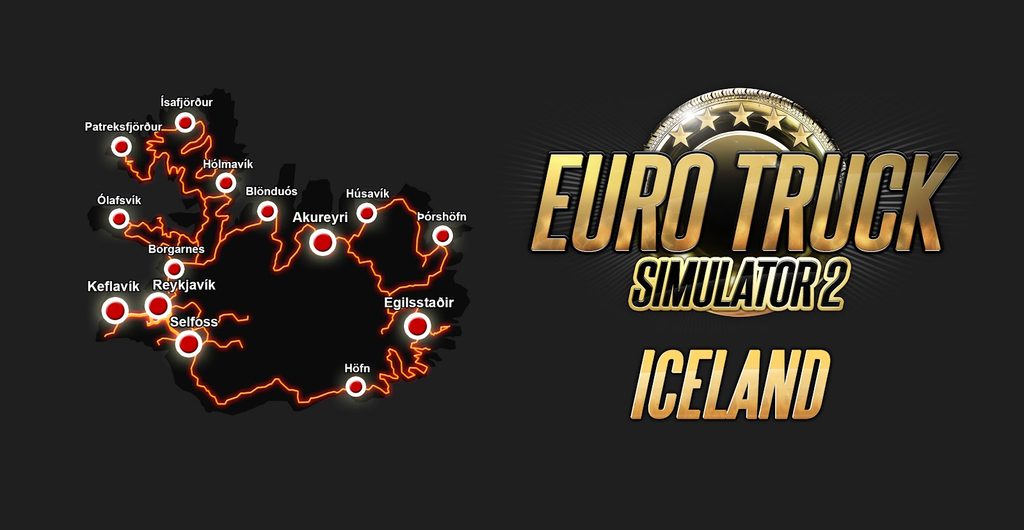
14 cities to explore. SCS highlights the Ring Road (Route 1) around the whole island, the Haukadalur geothermal area where Strokkur erupts, the one-lane bridges where you have to yield, and colorful Reykjavík. Other features shown in the run-up include the Northern Lights, real Icelandic daylight hours, custom farms, quarries and a silica factory in Húsavík. Earlier previews also covered viewpoints like Gullfoss, Jökulsárlón and Goðafoss.
Cruising Iceland event
- What you need: the Iceland DLC and a World of Trucks-connected profile.
- How it works: use External Contracts or the External Market, so you can also bring your own trailer. Jobs must be at least 150 km, to or from any Iceland city.
- Community goal: drive 175,000,000 km combined.
- Personal reward: deliver to or from all 14 Iceland cities to earn a World of Trucks achievement and the Fire and Ice truck paint job.
- Community reward: a hanging figurine if the community hits the shared target.
- Claiming: on the Events page of your World of Trucks profile. You can check recent deliveries in your Log Book.
- Ends: Sunday, January 3, 2027 at 23:59 UTC.
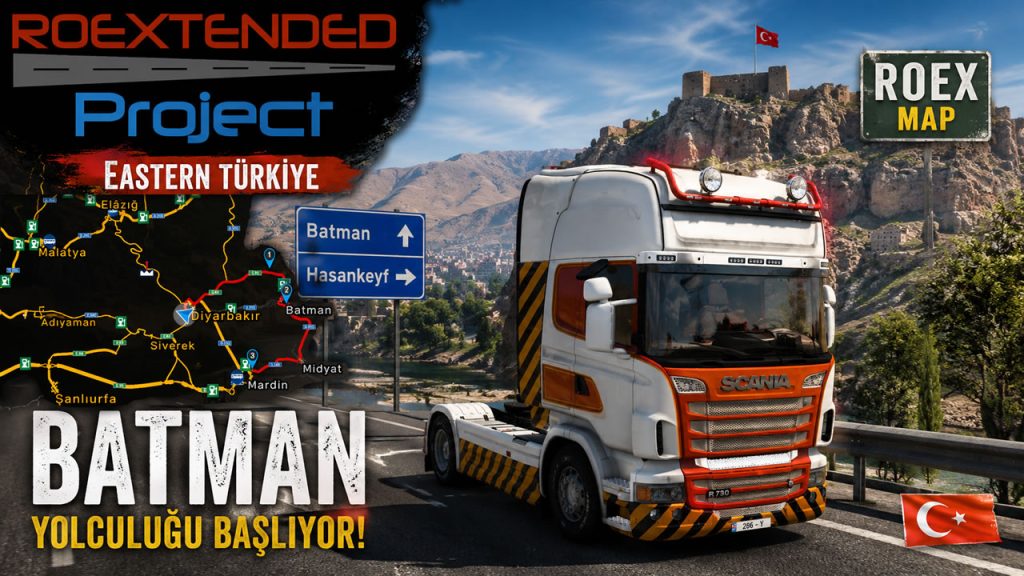
Eurafrica for ETS2 1.62 Released
If you’ve been following the Eurafrica map mod for Euro Truck Simulator 2, here are updated versions for ETS2 1.62 just landed.

What Is Eurafrica?
For anyone new to it, Eurafrica is a personal, hand-crafted representation of Africa’s road network for ETS2, focused on the Maghreb region and beyond. It’s built to balance detail with performance, and comes packed with custom garages, companies, models, and genuinely challenging roads. It’s also compatible with major map mods like Promods and Roextended, so it slots into a lot of existing setups without a fight.
There are several video showcases on YouTube if you want to see it in action before diving in.
Changes in ETS2 1.62
- New Arab stop signs are in EuraMag
- 2 New custom pickup police (Maghreb and West)
- 2 New custom taxi (Sandero in Maghreb and Duster in West)
- New custom black colored walkers in West

As always: play safe, respect the terms, and enjoy the roads. 🚛
Roextended 5.4 released for ETS2 1.62
Roextended Free and Premium 5.4 for ETS2 1.62 was released and available as always on Roextended.ro.

Changelog:
- fixed all reported bugs
- updated materials to ETS2 1.62

100% discovered study 11.07.2026
ATS and ETS2 1.62 are here, and I’m always getting ready to cover the entire vanilla maps with all DLC at 100%. The hero of this version is ETS2: this November we get the new Iceland DLC and a new way to explore the maps, by bus.
America is taking a break. On 1.62 it’s still 100%, so the ATS guide below is current, and the next big step will probably arrive in early 2027 with the British Columbia DLC.
The European guide is a bit outdated now. I created it for 1.60 and skipped the minor changes in 1.61, as well as the changes in 1.62, until Iceland rolls out on November 10th.
Promods 2.85 for 1.62 is also in the oven. I believe it will be integrated with vanilla Iceland and will later merge its own content into the new ETS2 expansion. I hope the Promods team won’t release a version without the Iceland DLC, as they did before with Nordic Horizons, just to ship a new version faster. Unfortunately, the community is pushing them, especially TruckersMP fans, so we may see two different versions again, which would obviously affect combo setups and create a mess again.
Below you can find 100% for ATS and ETS2. As well as 100% on ProMods 2.84.
Also let me remind you that my guides are less useful since starting of 1.61 we got Proximity Exploration feature and you can get your 100% with your truck or car (or later coach bus) without profile modifications and all this stuff.
ATS 1.61 – 100% Explored map with all DLC including South Dakota (October 2026, Actual on 1.62)
ETS2 1.60 – 100% Explored map with all DLC (July 2026, all map DLCs 99% on 1.62 before Iceland)
Promods 2.84 on ETS2 1.61 – 100% Explored Promods map (October 2026, including Vanilla, all DLC)
I do these discovery since 2017 and I discover whole map almost on every game versions including all expansions and reworks.

Euro Truck Simulator 2 1.62 Released
SCS Software just released ETS2 1.62. If you tried beta don’t forget to disable it – go to Steam client → LIBRARY → right-click on American Truck Simulator → Properties → Betas tab → Beta Participation drop-down menu → None.
ETS2 1.62 will bring us not only changes mentioned below but also new DLCs – Iceland and Coaches later this month.
Changelog
Map
- New Garages
Vehicles
- Improved Material System for Iveco S-Way
- DAF XG+ Emerald, Sapphire & 30 Years in Czechia Editions
- Goodyear Tyres Pack Update
Sound
- Game Radio Update
Hidden Roads Study – November, 4 2026
Since 1.62 is here we have to do a recap what’s going on with hidden (or secret) roads in ATS and ETS2.
European guide was not updated since June 2026 and it is still actual until Iceland DLC we expect on November 10. But I’ve updated American guide added South Dakota as well as fixed some missed roads. Also updated flag of Utah in the video.
Please note that Proximity Exploration feature released in 1.61 can help you to find most of the secret roads without any guides. You can turn on or off the feature but anyway it is the biggest change in the game on this topic since 2022, when hidden roads came as markable objects in version 1.44. For sure some roads are real secret and even with this feature you need to go around all roads to find the location of unmarked path. So for some time I will continue to update my guides.
The next big update will be I after Iceland in ETS2 and British Columbia in ATS.
If I find any new roads or you suggest one I will not update it instantly since I skip mid-tier guide videos because of low views on YouTube. The same issue affects 100% discovery guides and map combo content. I know there’s interest from my audience, but without YouTube helping push this type of content, it quickly gets buried.
You can always check the complete list of cities with hidden paths here: https://trucksim.top/y9t6. It probably won’t reveal the exact secret road locations, but it can help you figure out if you missed any areas.
ETS2 (updated 06.01.2026, actual on 1.62 with all map DLCs before Iceland, 114 roads so far)
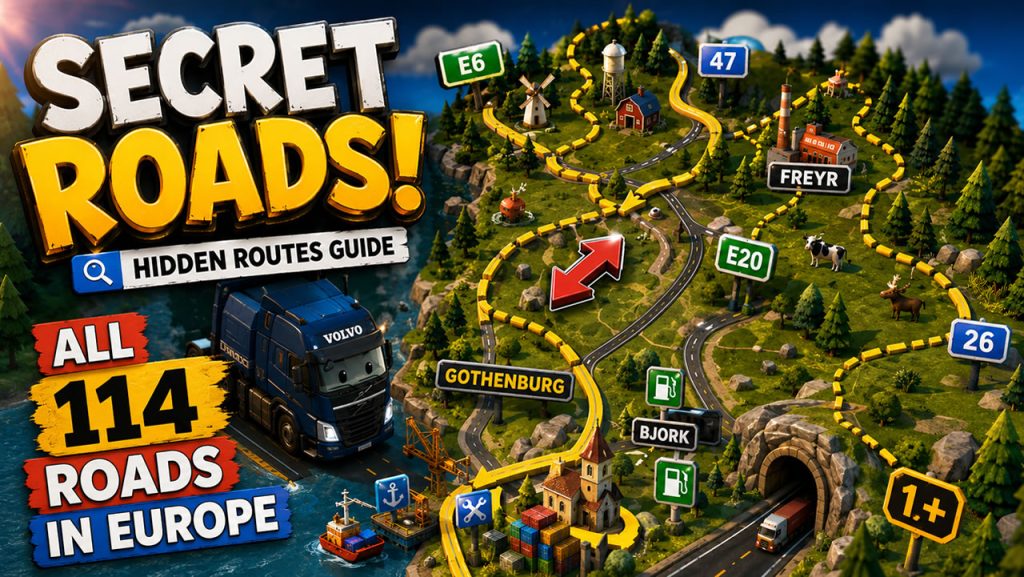
ATS (updated 11.02.2026, actual on 1.62 with South Dakota DLC, 290 roads so far)
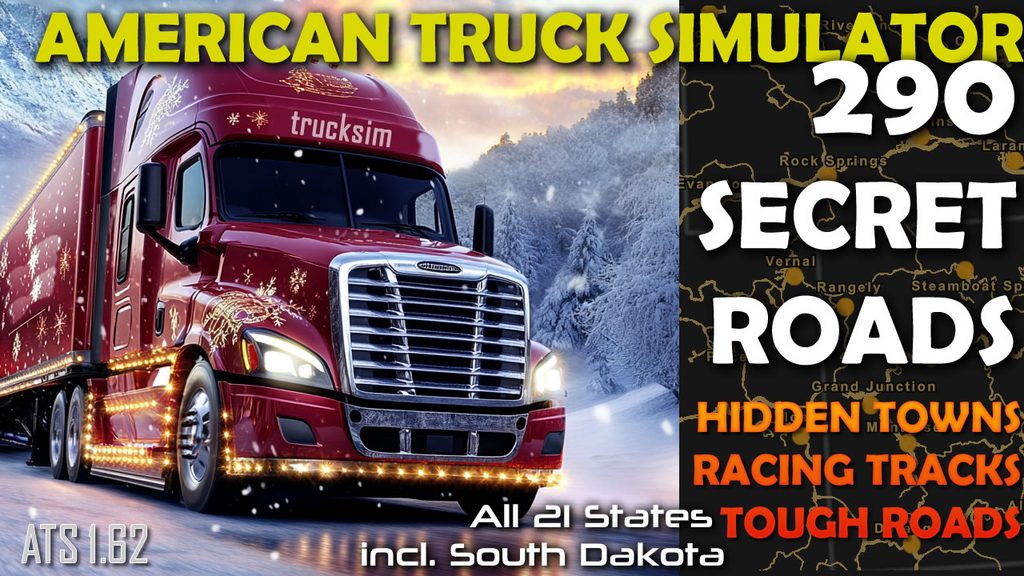
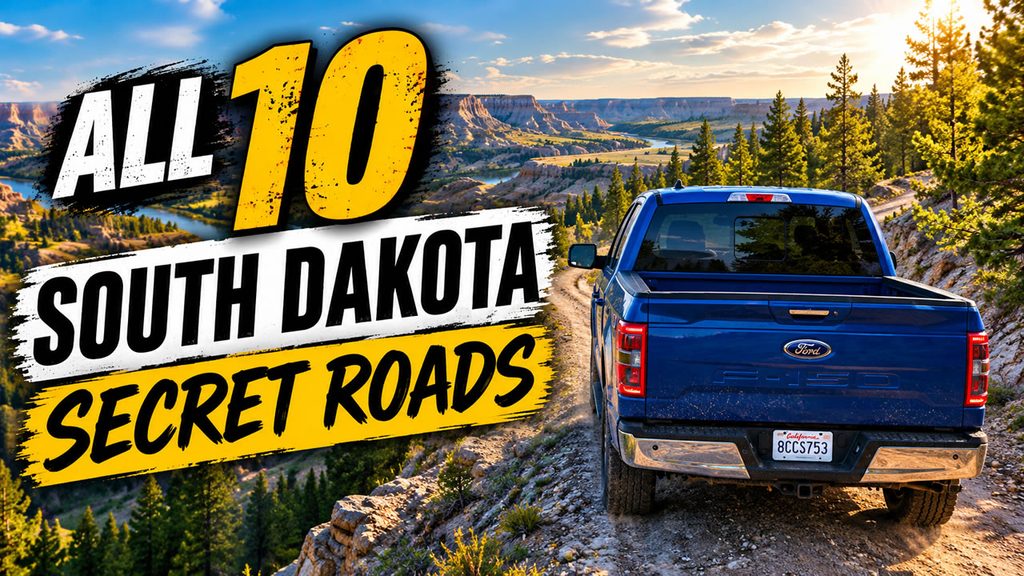
Collection of 10 found roads in South Dakota with locations footages.
American Truck Simulator 1.62 Released
SCS Software just released ATS 1.62. If you tried beta don’t forget to disable it – go to Steam client → LIBRARY → right-click on American Truck Simulator → Properties → Betas tab → Beta Participation drop-down menu → None.

Changelog
Map
- Road Trip Tourist Boards Update
Vehicles
- Improved Material System for the All-New 2025 Volvo VNL
- Goodyear Tires Pack Update
- Added the All-New 2025 Volvo VNL among AI traffic vehicles
Sound
- Game Radio Update
ETS2 Coaches DLC will be released November 12
The wait is almost over. SCS has confirmed that the Coaches DLC for Euro Truck Simulator 2 releases on November 12, 2026. Since our last roundup, SCS has shown new vehicle features, explained coach ownership and jobs, and revealed a third job type. Here’s everything that’s new.
July 17, 2026: New Vehicle Features
SCS showed the systems coaches have that trucks don’t:
- Destination display: a panel at the top of the windshield showing the final stop. It’s a removable accessory and visible from inside the cabin.
- Sun visors: coaches have big windshields, so the visors are split into left and right halves that you control independently, with animations and sounds.
- Rear-view camera: built into the dashboard, it replaces the navigation display automatically when you engage reverse. That should help a lot at tight bus stations.
- Interior lighting: ambient lighting in a colour of your choice, plus a main ceiling light you can switch on and off, useful when picking up passengers at night.
August 21, 2026: Vehicle Ownership and Job Schedule
- Buying a coach: coaches are sold through the Online Dealer and kept in their own garage, so they don’t take up your truck garage slots.
- Shared money: finances are shared between truck and coach modes. You can earn through Quick Jobs or regular truck jobs first, and loans are available if you want to start sooner.
- Customisation: chassis, engine, and transmission variants, plus seat upholstery and curtains, depending on the model. Some parts and accessories unlock through progression.
- Free roaming: an owned coach can go anywhere on the map and visit viewpoints, with fuel, fatigue, and other familiar systems working as they do with a truck.
- Contract Jobs: unlocked by owning a coach. You browse passenger services in nearby cities, drive to the station, confirm your line, and the game jumps to the scheduled departure. Many routes have multiple stops, and harder routes pay more money and experience.
October 2026: Scania Touring Gameplay Preview
The Scania Touring finally got its own gameplay video. It showed how driving style affects passenger reactions, with sharp turns and hard braking raising G-forces and drawing responses from passengers. It also featured passenger chatter behind you and the adjustable sun visor.
October 7, 2026: Tourist Jobs
A third job type for a more relaxed pace. You take passengers on a day out from a bus station to a landmark: natural scenery, city centers, or even industrial depots with guided tours. Some destinations have opening hours that affect arrival times. Whether the landmark is locally or globally known sets the trip length. At the end you get a viewpoint with a short cutscene, often with a short description of the place. The schedule is more leisurely than Contract Jobs.
November 1, 2026: Release Date and Trailer
SCS announced November 12 with an official trailer. The three launch coaches are the Scania Touring, Volvo 9700 DD, and MAN Lion’s Coach. The trailer highlights the G-force indicator, smooth driving, and the three job types: Quick Jobs for early money, Contract Jobs with your own coach, and Tourist Jobs. SCS also says Coaches will keep growing after launch, with more licensed coaches, customization options, and features.
Updated “What We Know”
- Release date: November 12, 2026
- Launch coaches: Scania Touring, MAN Lion’s Coach, Volvo 9700 DD
- Jobs: Quick Jobs, Contract Jobs (own coach required), Tourist Jobs
- Ownership: Online Dealer purchase, separate garage, loans, progression-unlocked parts
- After launch: more coaches, customisation, and features planned
Iceland releases two days earlier, on November 10, so it’s a busy week for ETS2.