Since we already have news and signals that new game version 1.59 is around the corner below big versions of map combo can be final, unless something interesting happens on ETS2 1.58. I started later with map combo setups but now we are good in Europe and America with big and giga combinations. I’m not rushing out a combo setup just to be first. I’m not interested in clickbait or quick tricks to gain views. Instead, I will release a combination setup that I personally enjoy and would actually use myself — even if that means it comes out later and don’t updates every day.
There are already well-established rules and best practices that help avoid conflicts and common mistakes I’ve covered in Beginner’s Guide, which I strongly recommend watching before building or updating your map combo. It will save you time, prevent recurring issues, and help you create a stable and enjoyable setup from the start.
Youtube channel as well as this blog is my hobby so I can spend on it only the free time. If you like my content please consider to support Trucksim on Patreon.
The upcoming 1.59 update for Euro Truck Simulator 2 will introduce a unique new location created in collaboration with Volvo Trucks — the Volvo Trucks Experience Center in Gothenburg, Sweden. This famous facility, located in Volvo’s hometown, combines brand exhibition areas with a professional test track designed to demonstrate the performance and technology of Volvo’s latest trucks.
In the game, the center has been recreated almost at a true 1:1 scale, allowing players to explore the facility and drive the full testing circuit. The track features a variety of driving conditions including fast curves, technical corners, elevation changes, and downhill sections, giving players a chance to test truck handling, braking, and stability beyond normal highway driving.
SCS Software paid special attention to detail when recreating the location, including parking areas and the surrounding environment to match the real-world site as closely as possible. Players will be able to discover the entrance near Gothenburg while exploring the map, although access requires ownership of the Scandinavia DLC.
The developers also visited the real Experience Center to collect references, sounds, and driving impressions, even testing trucks like the Volvo FH Electric and FH16 780 to ensure authenticity.
This addition highlights the strong partnership between SCS Software and Volvo Trucks and promises ETS2 players another realistic and immersive driving experience when update 1.59 releases.
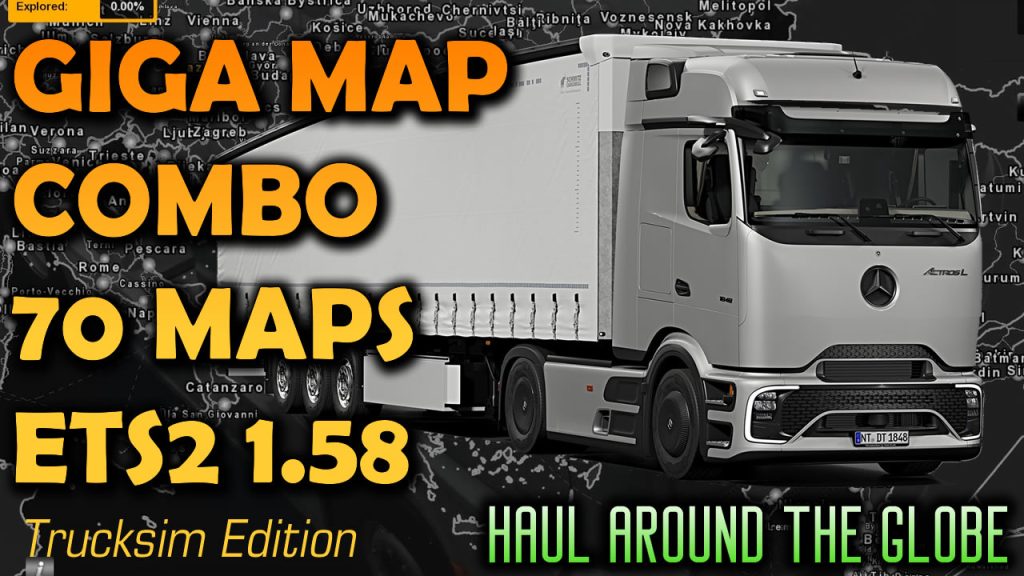
I’ve combined 70 maps to make amazing long hauls. Have to remind you that this setup is not for everyone – you probably will not have enough time behind the wheel to discover all small corners of the map. And if you just jumped in trucking simulators world don’t ignore Beginner’s Guide which can answer a lot of important questions. Today’s combo includes Promods, Roextended, Rusmap, Beyond, EAA, Eurafrica, Maghreb, Sibir, Southern Region, TST and other maps. 70 maps, 164 files, RCs, fixes. As always please follow the instructions in video and note that combo designed to version 1.58 and requires all map DLCs (including Nordic Horizons). Paid mods are optional. Extra mods are not recommended unless they are compatible with other mods and tested. And consider to support Trucksim on Patreon
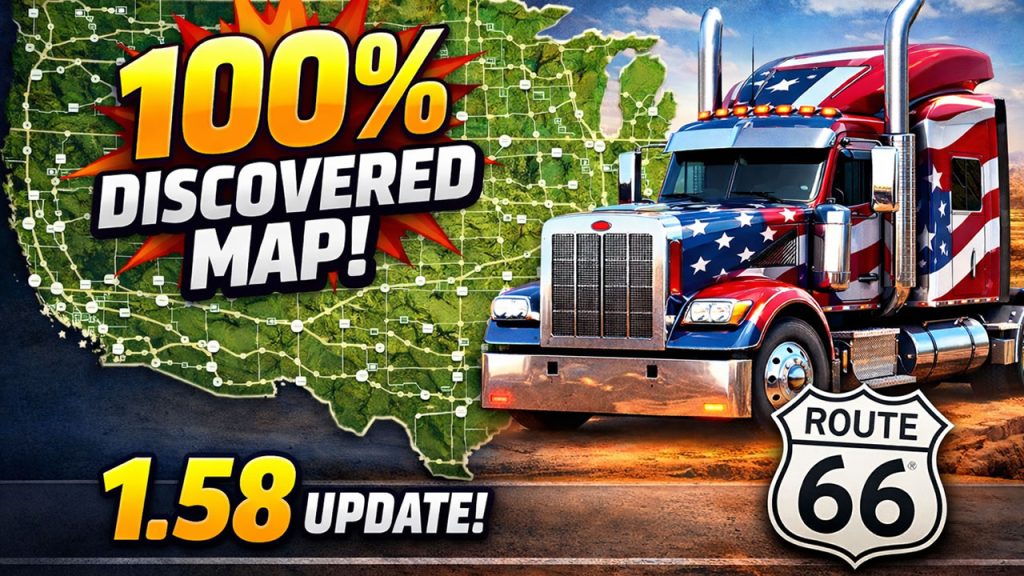
Currently on version 1.58 we have 100% discovered maps for both games. In ETS2, guide and files for previous version is still actual, so I did not do updated version.
However, in ATS, we received a major map update with the Route 66 rework and new guide is here. But we’re expecting the Illinois DLC soon, so new challenges ahead.
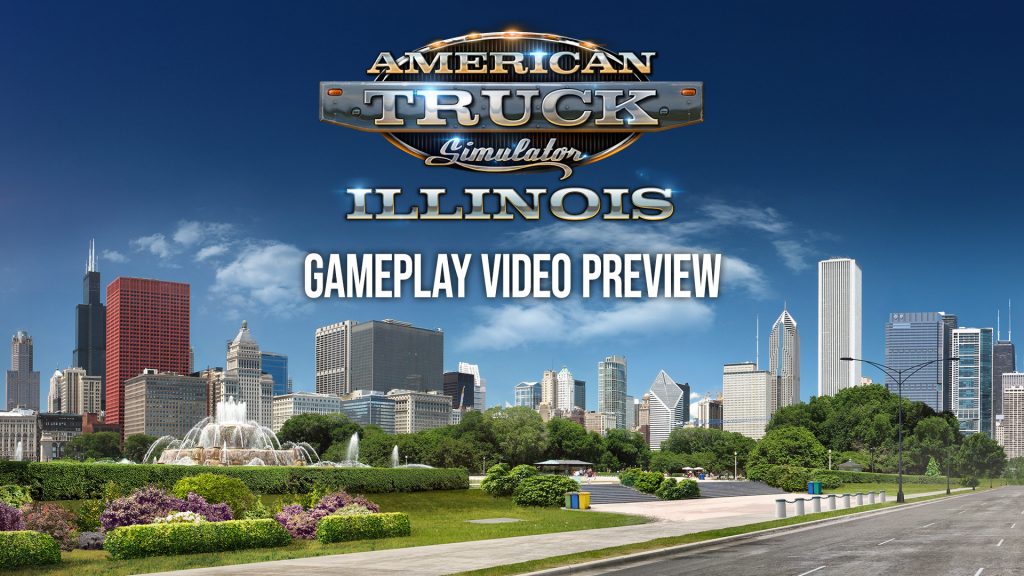
38 minutes gameplay of upcoming expansion for American Truck Simulator is available on official SCS Youtube channel. That means that new DLC is around the corner.
I also collected available footages from developers with new expansion teasers:
New game versions updates are here so we will also see the mods updates and it is perfect time to make you perfect profile.
In this guide I explain how to merge several profiles map discovery progress on example of merging vanilla 100% and Promods 87% profiles on ETS2 1.58. You can try this scheme on future versions in both ETS2 and ATS. Below you can find link to text version, tools and also ready strings used in this video.
Guide:
1. Reason
There are several reasons. The most common one:
You play vanilla + DLC on one profile. And you play mod maps like Promods or Roextended on another profile. Keeping them separate is fine. But what if you want:
Your 100% vanilla discovery
Plus your mod map exploration
Combined into one master profile
Another reason:
You created a new profile for TruckersMP or testing purposes. And later you want your original progress back Or maybe you lost progress after an update and want to rebuild quickly. In all these cases — merging discovered map items makes sense.
Important:
In this tutorial we are merging only discovered map items.
We are not merging:
Garages
Money
Drivers
Trucks
XP
That is a completely different topic.
2. What Was the Problem With the Old Method?
My year-old guide is still mostly actual and you can still use Notepad++ or other editor but new guide can save you hours. Let me remind you that in every profile, discovered roads are stored in a strict indexed order inside the game.sii file.
If you simply copy part of the data:
The order becomes incorrect
Duplicate entries appear
The profile may crash
Or the game may behave unpredictably
And this becomes a serious problem because:
Vanilla profiles contain thousands of discovered entries
With map mods, this can grow dramatically
Manually fixing that with Notepad++ used to require:
Regex
Manual renumbering
Removing duplicates
Reindexing everything from zero
It worked — but it was slow and error-prone. So today we go another way. We automate the process using a Python script.
3. Make backups!
If you plan to modify game files always Make backups! This is extremely important. Your profiles are located by default in: Documents/ETS2/profiles or Documents/ATS/profiles Copy the entire profiles folder somewhere safe. If something goes wrong, you restore everything in seconds. Disable Steam Cloud synchronization for all profiles involved. We cannot modify profiles that are stored only in Steam Cloud. After disabling Steam Cloud, profiles will be saved locally in the Documents folder.
4. Preparations and tools
As always for manipulations with the profiles we need several tools: Truck Tools for save decryption – it is free of charge application you need to install to make various actions with you profiles in both games. You can also use your preferrable tools for game files decryption https://trucksim.top/trucktools Sublime Text – we need good text editor that allow us to run big files. While I use Sublime, you can use your preferable text editor like Notepad++ or even VS Code. https://www.sublimetext.com Python installed on your system – it will run my script. Python is also free of charge. https://www.python.org/ The merge-discovered.py script – you can download the script for free https://sharemods.com/uig6zgjgicrf/merge_discovered.zip.html
How to use Python?
1. Go to the official website: python.org 2. Download the latest stable version for Windows. 3. Run the installer. ⚠️ Very important: Before clicking “Install”, check the box: Add Python to PATH This is critical. If you skip this, the `python` command will not work in Command Prompt. 4. Click Install and wait. 5. That’s it.
How to Check If Python Is Installed?
Open Command Prompt and type: python –version or py –version If you see something like: Python 3.x.x You’re ready to go. If you see an error like “python is not recognized”, then: Either Python is not installed Or it was installed without adding to PATH. In that case, reinstall and check the PATH option.
Before starting
1. Make sure all profiles you plan to modify have Steam Cloud disabled. 2. If merging modded profiles, verify that all required mods are present in your mod folder. 3. Enable file decryption in config: g_save_format 2 4. Enable console: uset g_developer 1 and uset g_console 1 5. Make sure all profiles are from the same game version (don’t combine ATS profiles with ETS2 profiles and vice versa)
5. Prepare profiles
Enter each profile you want to merge. Create a new save to identify them easily by timestamp. Decrypt each profile using Truck Tools. Inside each profile, locate the file: game.sii and copy them one by one to a new folder.
6. Merging Process
With the old method, you had to manually clean and reorder everything in Notepad++. With the new method, we only extract the necessary data in seconds. Instead of manually: Removing prefixes Reordering numbers Re-adding brackets Generating incremental indices Removing duplicates
We now use a Python script that: Extracts all discovered item IDs Removes duplicates automatically Reorders them correctly Recreates properly indexed discovered items entries Outputs a ready-to-paste result Shows you stats
Collect all game.sii files from desired profiles in one folder. You can rename them as you wish, just make sure that they have .sii extension. Example profile3.sii or promods.sii etc. Put the script merge_discovered.py to the same folder. Open terminal or command prompt in the script folder (right click with Shift – Open Powershell window here) and type:
python merge_discovered.py
or
py merge_discovered.py
Press enter The script will: Detect all `.sii` files in the folder Show how many items were found per file Show total collected items Show duplicates removed Generate output file: merged_discovered.txt – fully indexed and ready to paste.
Then Open the target profile’s `game.sii (The profile in which we want to get results of merge) Replace its `discovered_items` block with the newly generated one. Save the file. Open the save in the game. Enjoy the results.
One known side effect
Recruitment agencies may not work properly after modifying discovered items. If you attempt to hire new drivers after merging, the game may crash. Recommended workaround: Hire all drivers you need before modifying profiles.
Since the last update we have numerous new secret roads in ATS 1 .58 I was thinking about updating the guide for America – I found already 18 new hidden roads and still in progress (mostly checking the correctness of them than discovery). But I believe soon we will see also new Illinois DLC so can expect new secrets on that new state. Unfortunately youtube rank and promote older videos first and below guides have a very bad discoverability and low views. So I don’t want to spent a lot of time for guide with 700 views. Below you find all hidden roads in ATS and ETS2 found in version 1.57. You can see the complete list of cities with hidden paths here: https://trucksim.top/y9t6. It is probably won’t help you with exact secrets locations but you can check if you missed any.
I’m sharing found hidden secret roads in both American Truck Simulator and Euro Truck Simulator 2 periodically since 2022 when this feature been released on ETS2 and ATS 1.44. But maybe right now it is time to freeze the series and let others do this job.
ETS2 (updated 01.24.2026, actual on 1.58 with Scandinavia Refresh and Nordic Horizon DLC, 110 roads so far)
ATS (updated 12.26.2025, actual on 1.57 with Louisiana DLC, 245 roads so far)